

Audio Voice Remover idea 1
A sample input for testing the interface and planning a future processing request.
Audio Voice Remover example: interview-bed.wav — reduce speech and keep background audio
Tool preview
Preview a separation workflow for removing spoken or sung voice from an audio mix while retaining the background. The separation API is not connected yet.
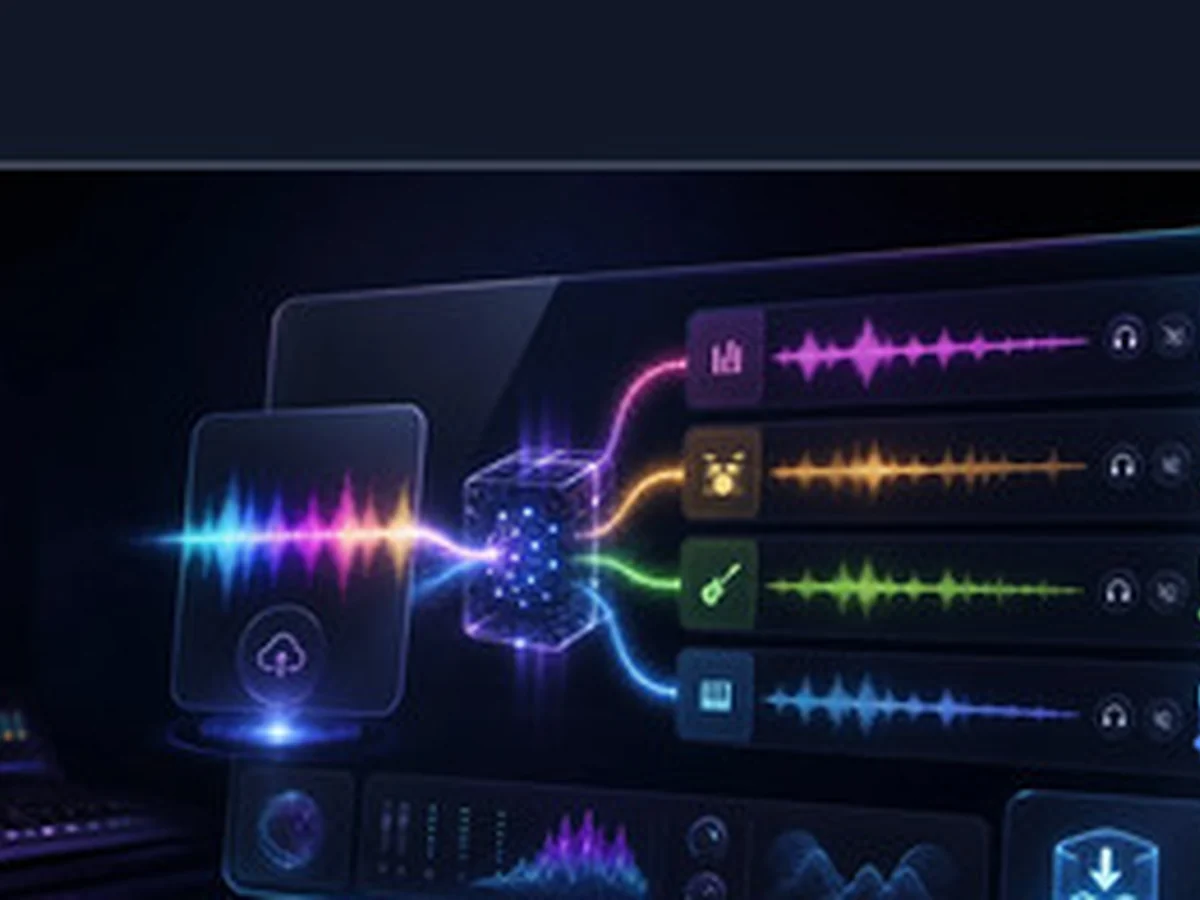
Use these examples to understand the planned workflow before processing becomes available.
Audio Voice Remover idea 1
A sample input for testing the interface and planning a future processing request.
Audio Voice Remover example: interview-bed.wav — reduce speech and keep background audio

Audio Voice Remover idea 2
A sample input for testing the interface and planning a future processing request.
Audio Voice Remover example: song.mp3 — separate the vocal and accompaniment

Audio Voice Remover idea 3
A sample input for testing the interface and planning a future processing request.
Audio Voice Remover example: Choose audio and select the voice or background output...
The preview keeps the main creative or processing task visible so you can prepare the right source material and settings.
Review the intended inputs, controls, and output direction before the processing integration is connected.
Move between generation, songwriting, audio processing, MIDI, and video tools from one catalog.

Explore the intended controls and outputs while this tool remains in preview.
Plan songs, arrangements, edits, and release assets without switching between unrelated workflows.
Prepare source files and creative directions for generation, separation, conversion, or transformation.
Explore music and visual workflows for social clips, lyric videos, events, and channel content.
Plan music, edits, analysis, and supporting assets for episodes, demos, campaigns, and branded experiences.
Clear inputs
The interface focuses on the prompt, upload, or settings that matter for this specific music job.

Honest preview
Submitting the preview shows that the processing API is not connected instead of pretending that a file was created.

Enter a creative direction or choose the source file requested by the preview interface.
Check the planned controls for style, structure, processing, or output before submitting.
The processing API is not connected yet; return after the integration status changes to live.

Review the planned workflow now. Processing and downloads will remain unavailable until the required API is connected.