
Make sounds for the exact moment
Describe the action, texture, emotion, and timing instead of settling for a near-match from a stock library.
AI audio tools for creators
Generate custom SFX, foley, ambience, UI sounds, transitions, and video cues from a prompt or production idea.
Describe the action, texture, emotion, and timing instead of settling for a near-match from a stock library.
Create short sounds for edits, prototypes, trailers, apps, and games while the scene is still fresh.
Generate, preview, refine, download, and branch into video-to-audio or sound-pack workflows from one hub.
Placeholder sample records are reserved here until final R2 audio is produced for each homepage example.
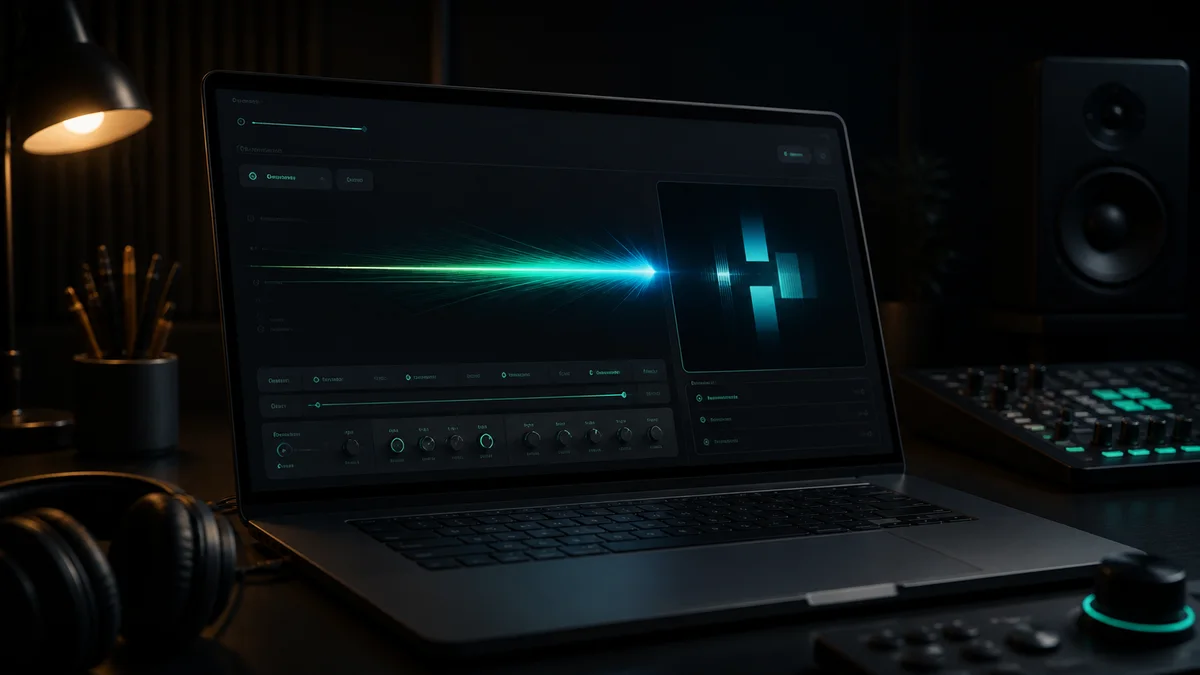
Logo reveal whoosh
A clean rise and soft impact for branded intros.
Placeholder sample · Soft logo reveal whoosh with a clean light impact.
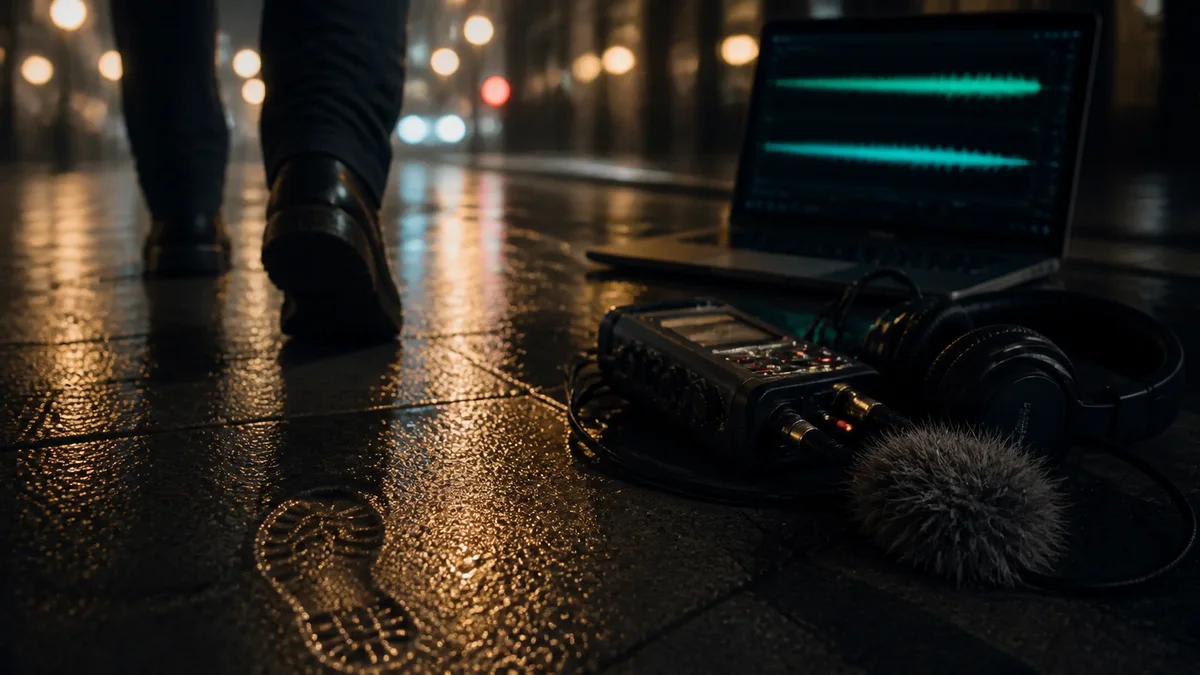
Wet pavement footsteps
Scene-matched foley for a night street edit.
Placeholder sample · Footsteps on wet pavement at night, steady walking pace.
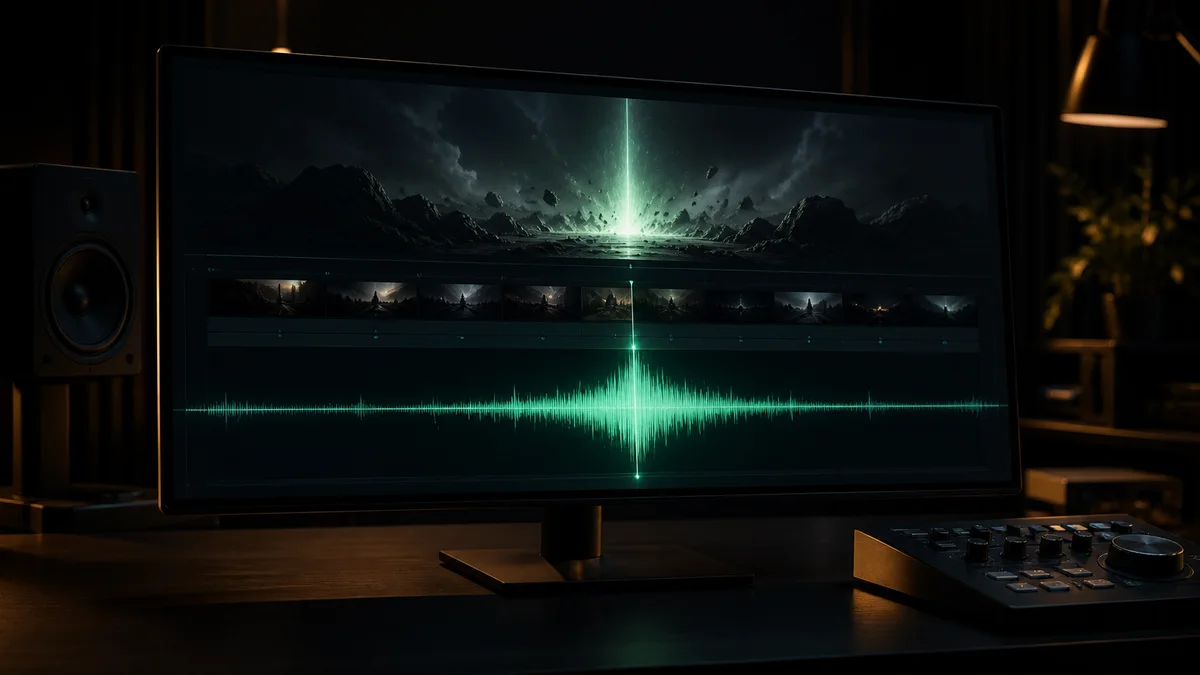
Trailer bass hit
A deep hit for title cards and dramatic cuts.
Placeholder sample · Deep cinematic bass hit for a trailer title card.
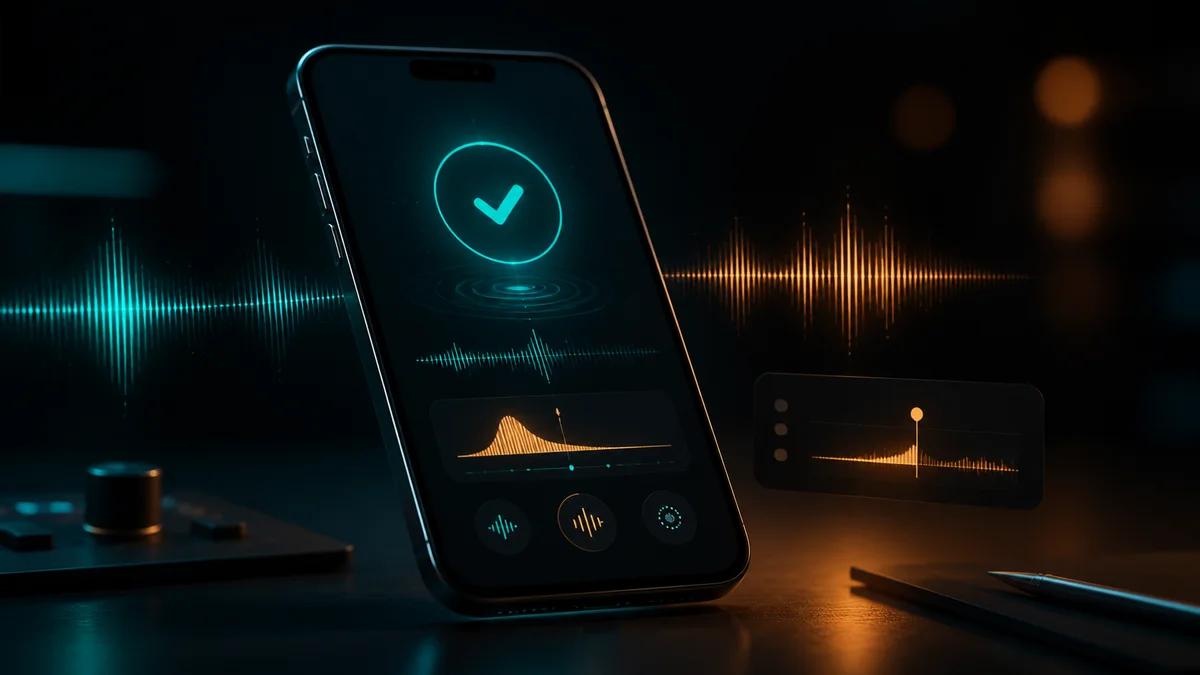
Mobile app confirm
A polished tap that feels quick and unobtrusive.
Placeholder sample · Clean mobile app confirmation tap, soft and polished.
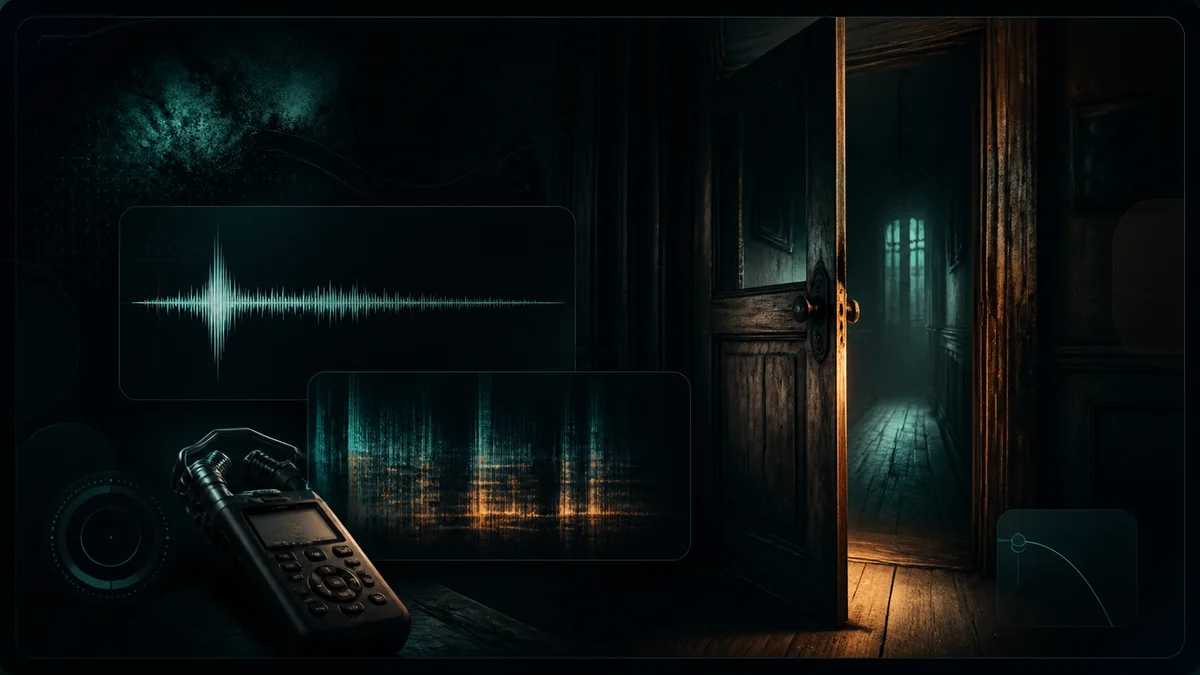
Horror door creak
A tense wood movement with an unsettling tail.
Placeholder sample · Slow horror door creak with a tense wooden tail.
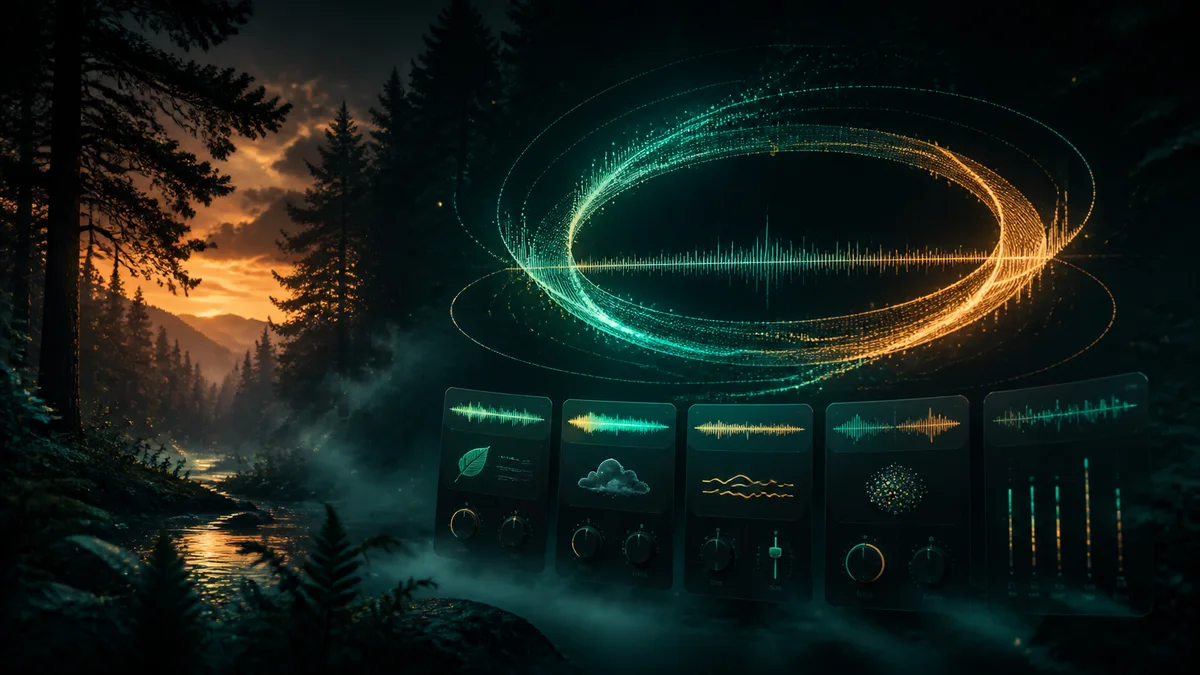
Forest ambience loop
A calm bed for games, videos, and background scenes.
Placeholder sample · Seamless calm forest ambience loop with birds and wind.
SoundsByte focuses on production moments where the sound has to match a cut, a scene, or an interaction.
Create whooshes, hits, risers, and foley that land on the exact edit.
Prototype pickups, UI clicks, footsteps, impacts, and ambience without waiting on a full audio pass.
Make intros, stingers, transitions, and subtle beds for tighter episodes.
Design confirmation, reward, notification, and feedback sounds that feel consistent.
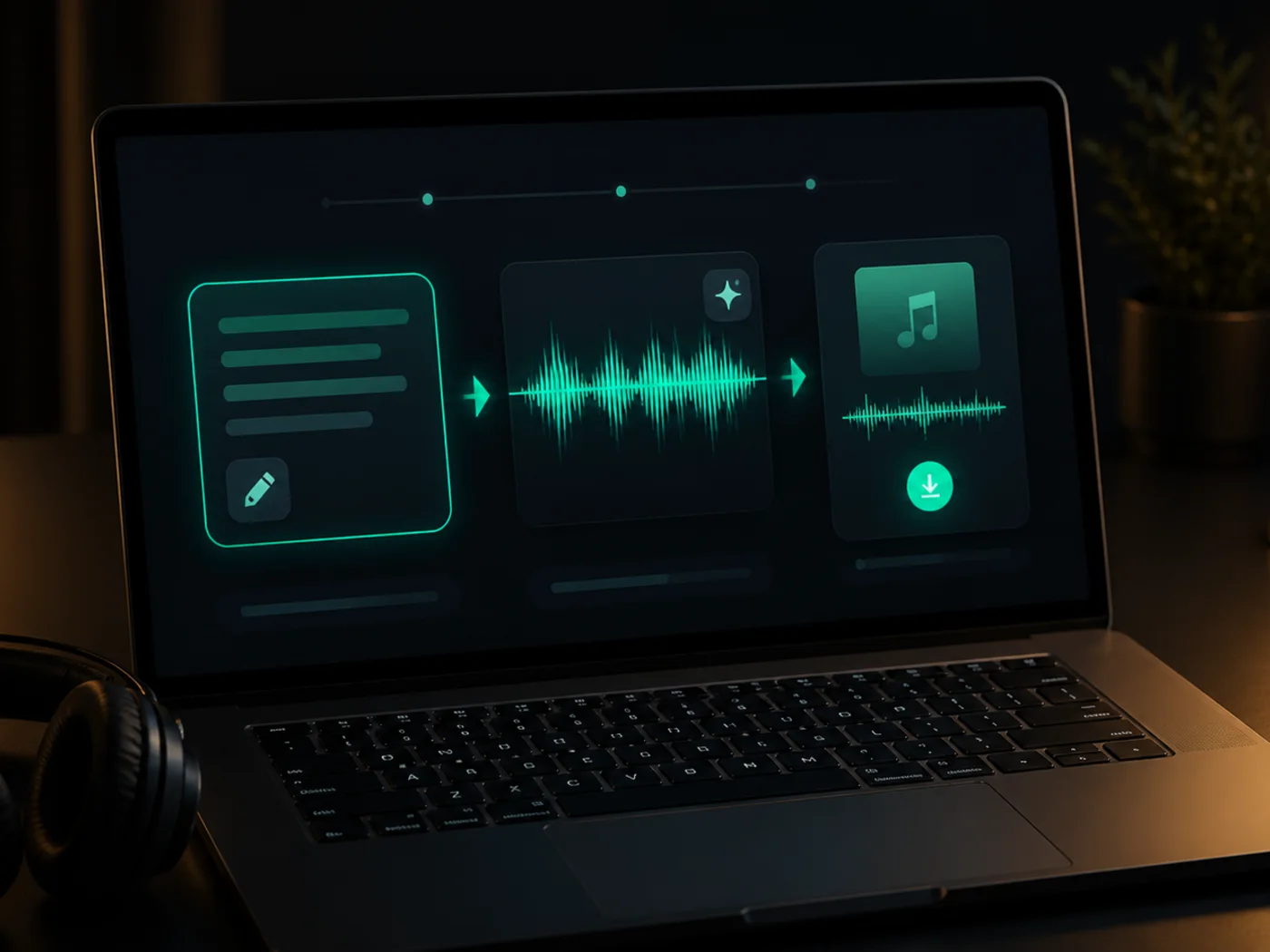
Prompt to sound
Start with the moment, material, emotion, and timing. SoundsByte turns the prompt into a short sound you can test immediately.
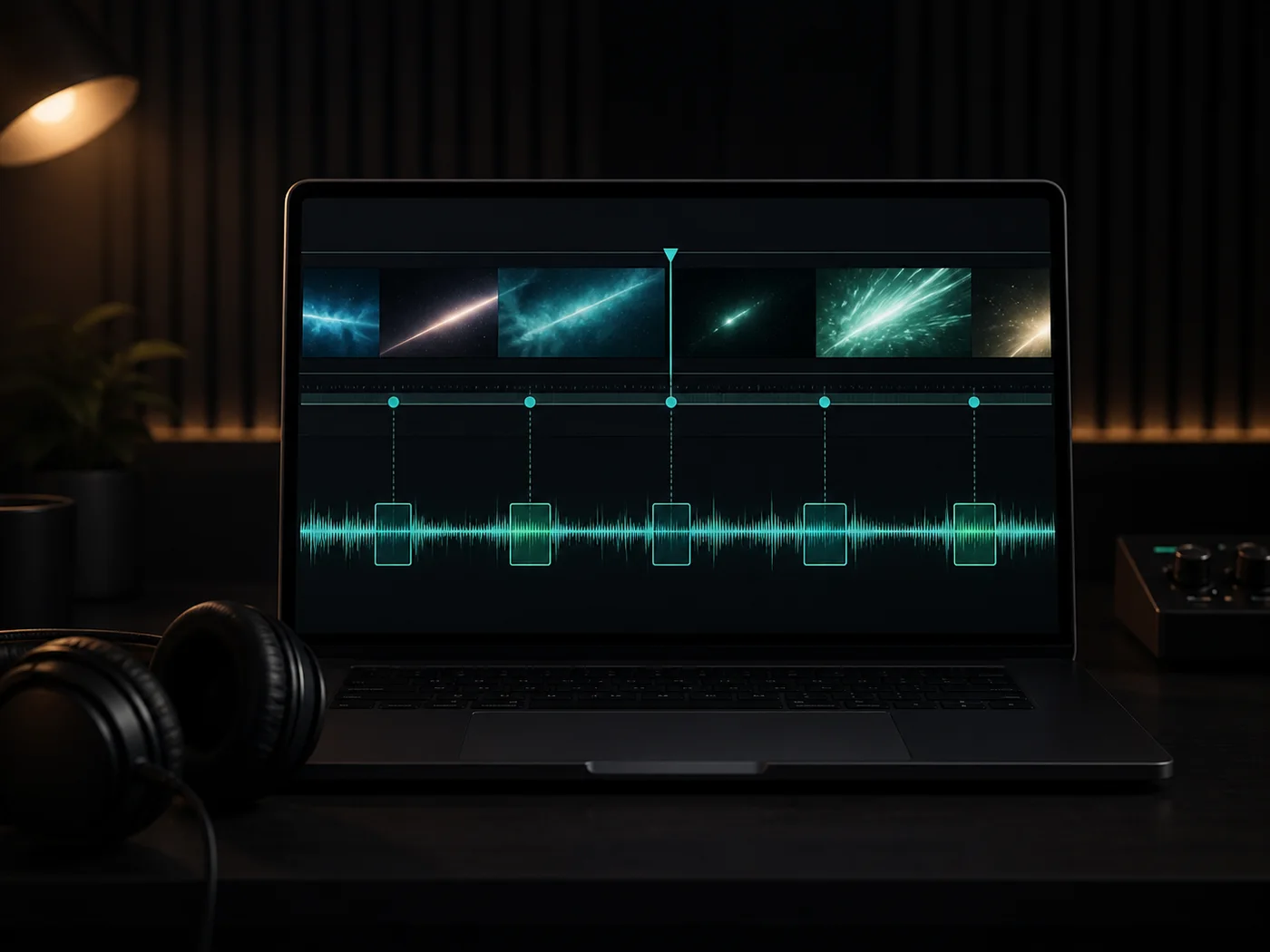
Video to audio
Use video-led workflows when the scene already exists and you need cues that follow cuts, movement, and impact.
Sound packs
Build a consistent pack of UI sounds, game cues, transitions, or brand sounds instead of generating one cue at a time.
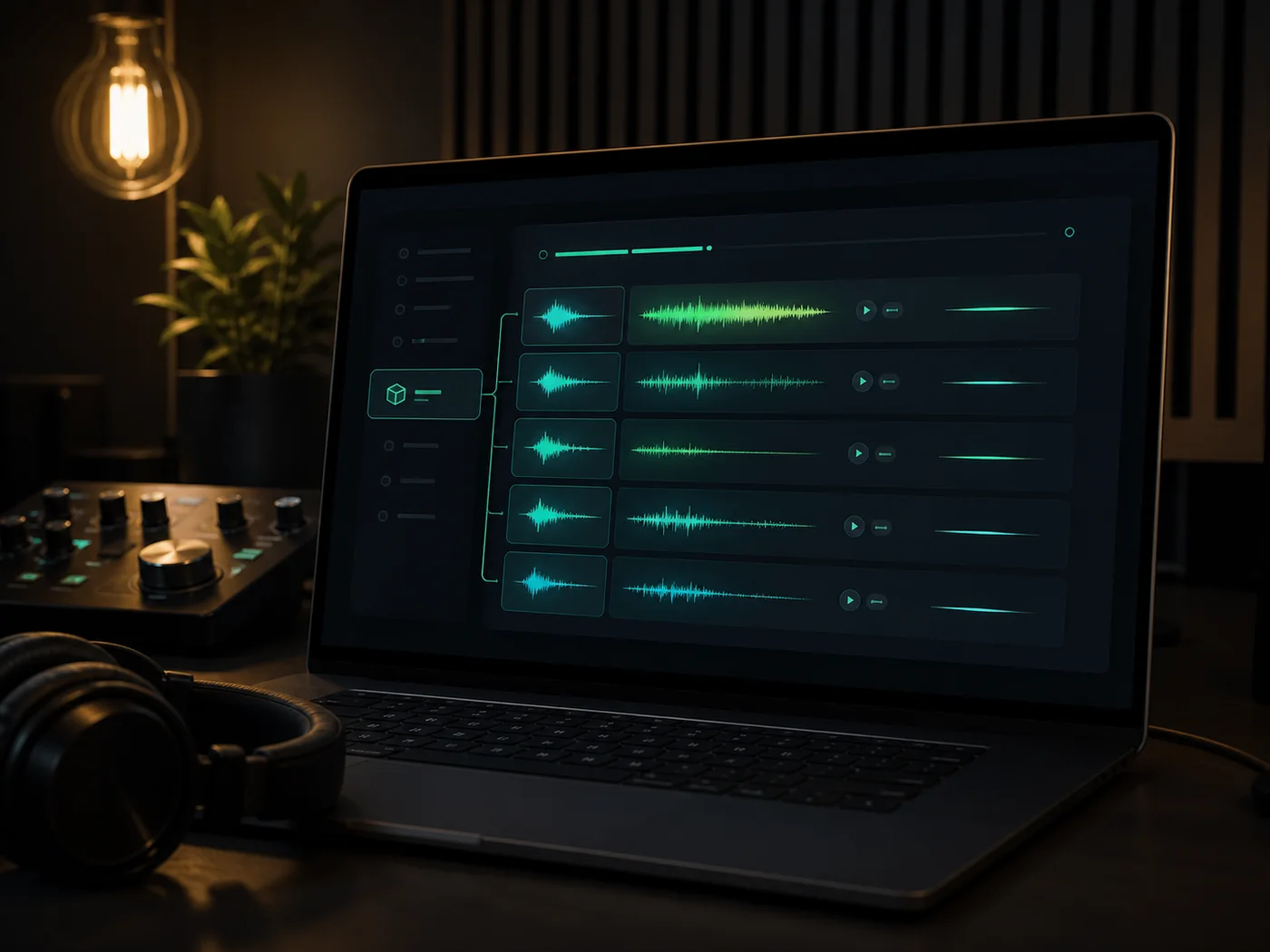
Editing utilities
Route into audio tools when you need to remove noise, extract a clip, make a loop, or prepare a file for export.
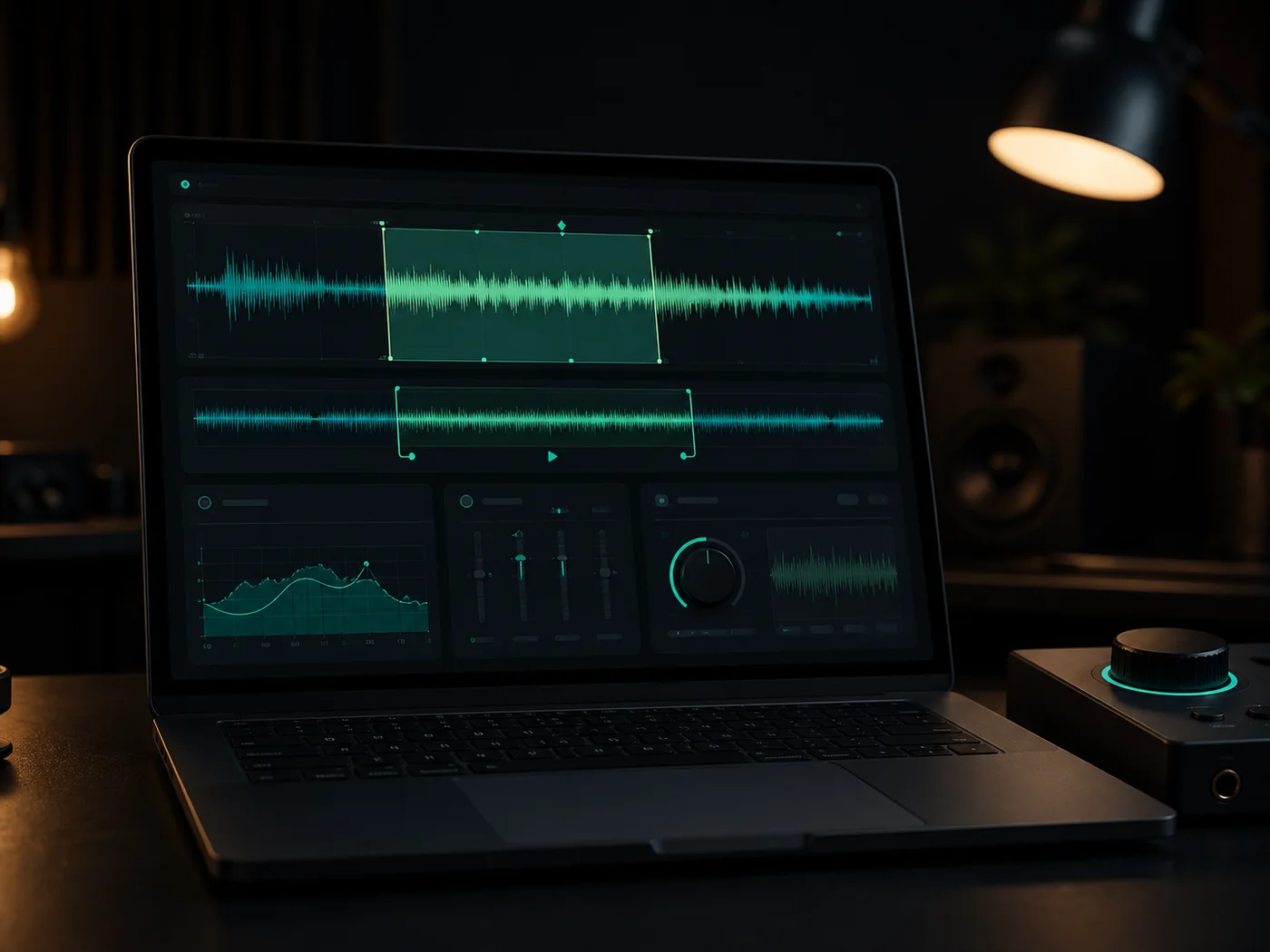
License and download
Download usable audio for creative projects, with commercial use available on paid plans and clearer asset records coming through R2.
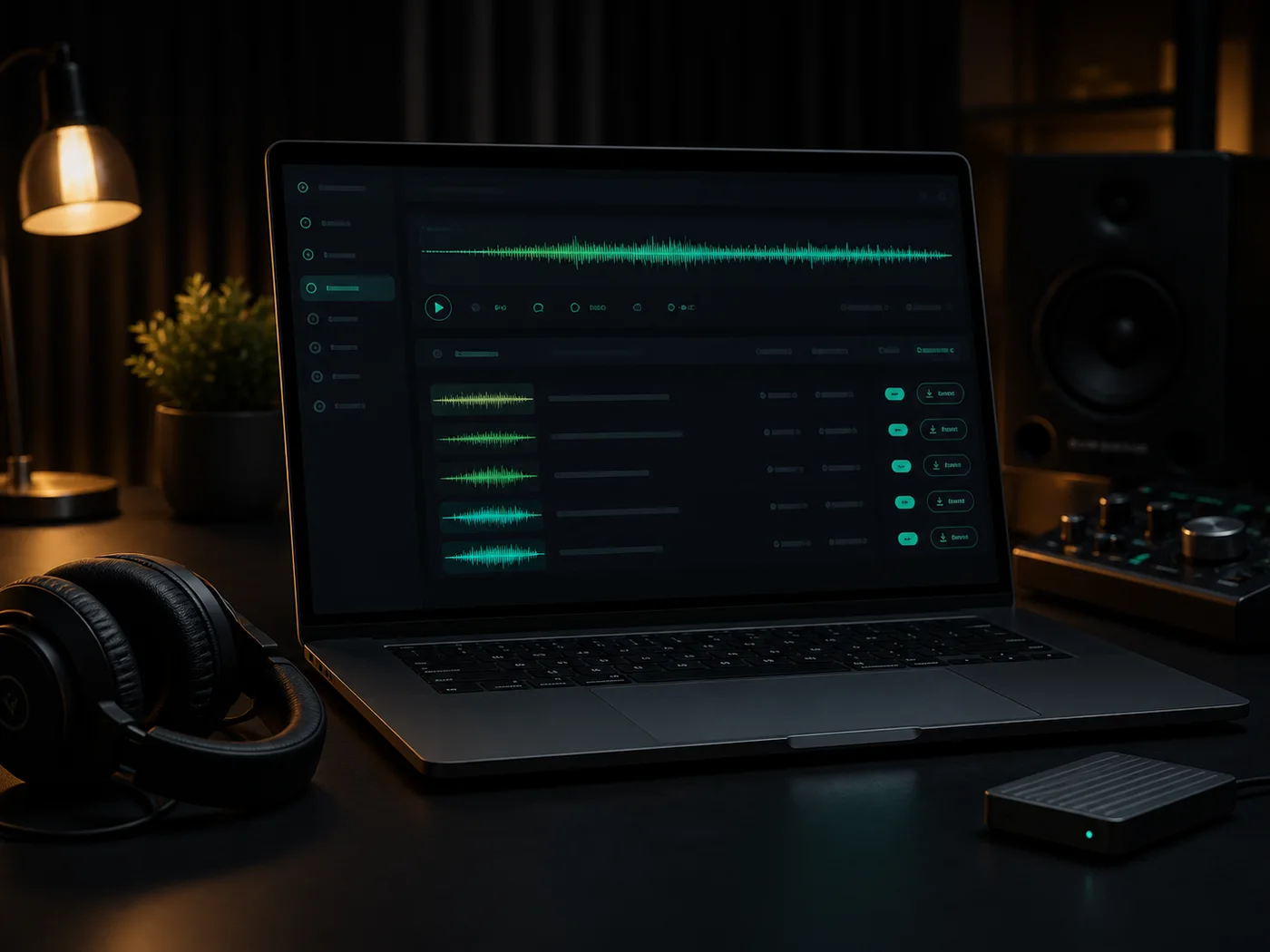
Start free, buy a one-shot pack for a single project, or subscribe when sound design becomes part of your weekly workflow.
Free
Try basic text-to-SFX and free audio tools.
One-Shot Pack
A small credit pack for one-off projects.
Creator
For creators who need private, commercial SFX every week.
Pro
For video cues, sound packs and higher-volume production.
Studio
For teams that need batch generation, API access and priority queue.
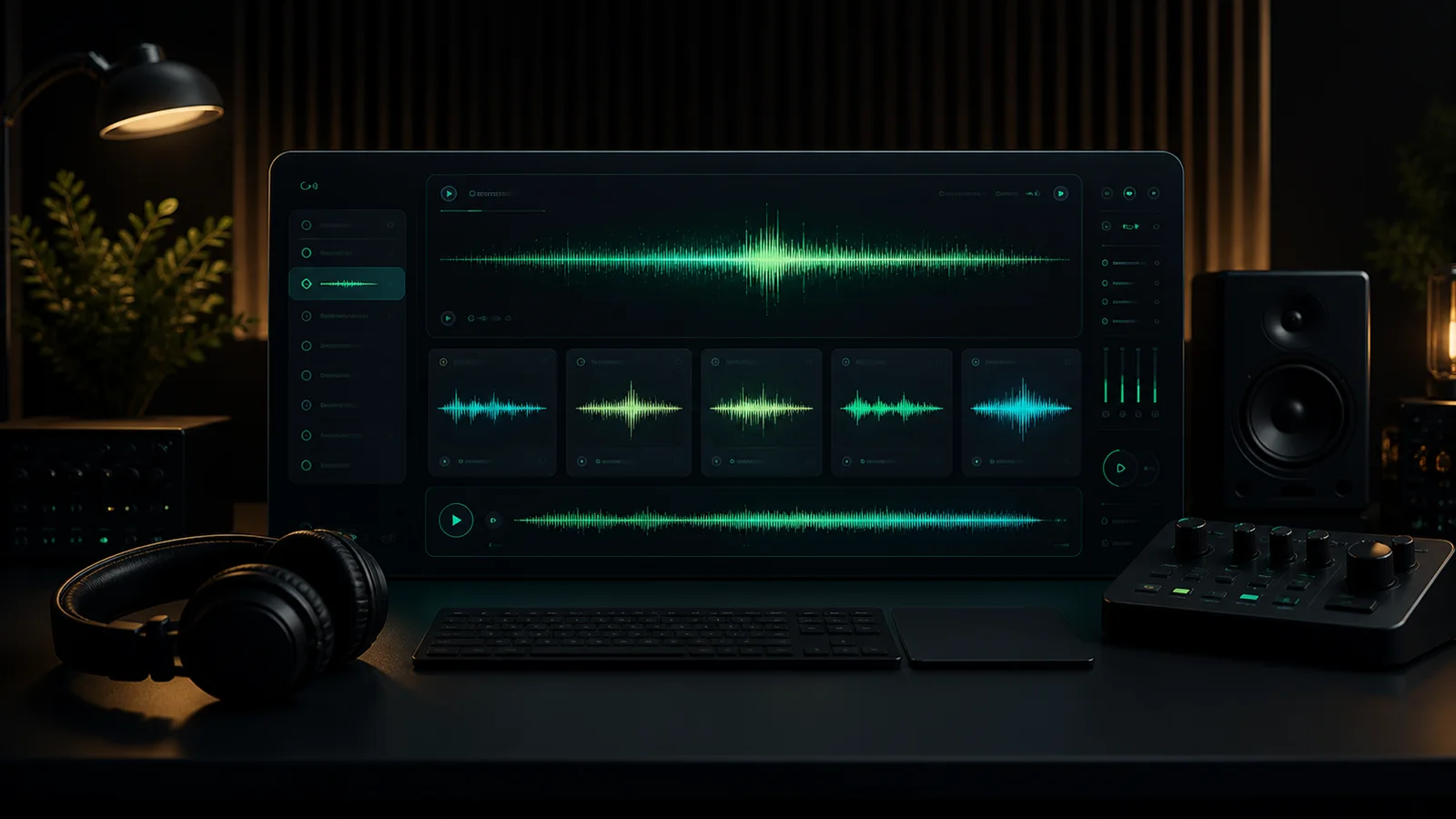
Start with a prompt, a video cue, or a sound-pack idea and turn it into audio you can test.