
Neon Circuit · Demo
SoundHelix reference track 1; listen as a musical reference.
Neon Circuit · Demo
AI music creation
Describe the style, instruments, and mood for your track.
Your generated track will appear here. Start with a music brief.
SoundHelix reference audio for listening. These tracks were not generated from the prompts on this page.
Neon Circuit · Demo
SoundHelix reference track 1; listen as a musical reference.
Neon Circuit · Demo

Midnight Motion · Demo
SoundHelix reference track 2; compare its musical texture.
Midnight Motion · Demo

Solar Drift · Demo
SoundHelix reference track 3; explore a different musical direction.
Solar Drift · Demo
Describe the musical direction, then set the mood, tempo, duration, and vocal treatment that fit the job.
Your request has a visible lifecycle from submission through generation and secure result storage.
When the track is ready, review it in the page player or download the stored audio file.
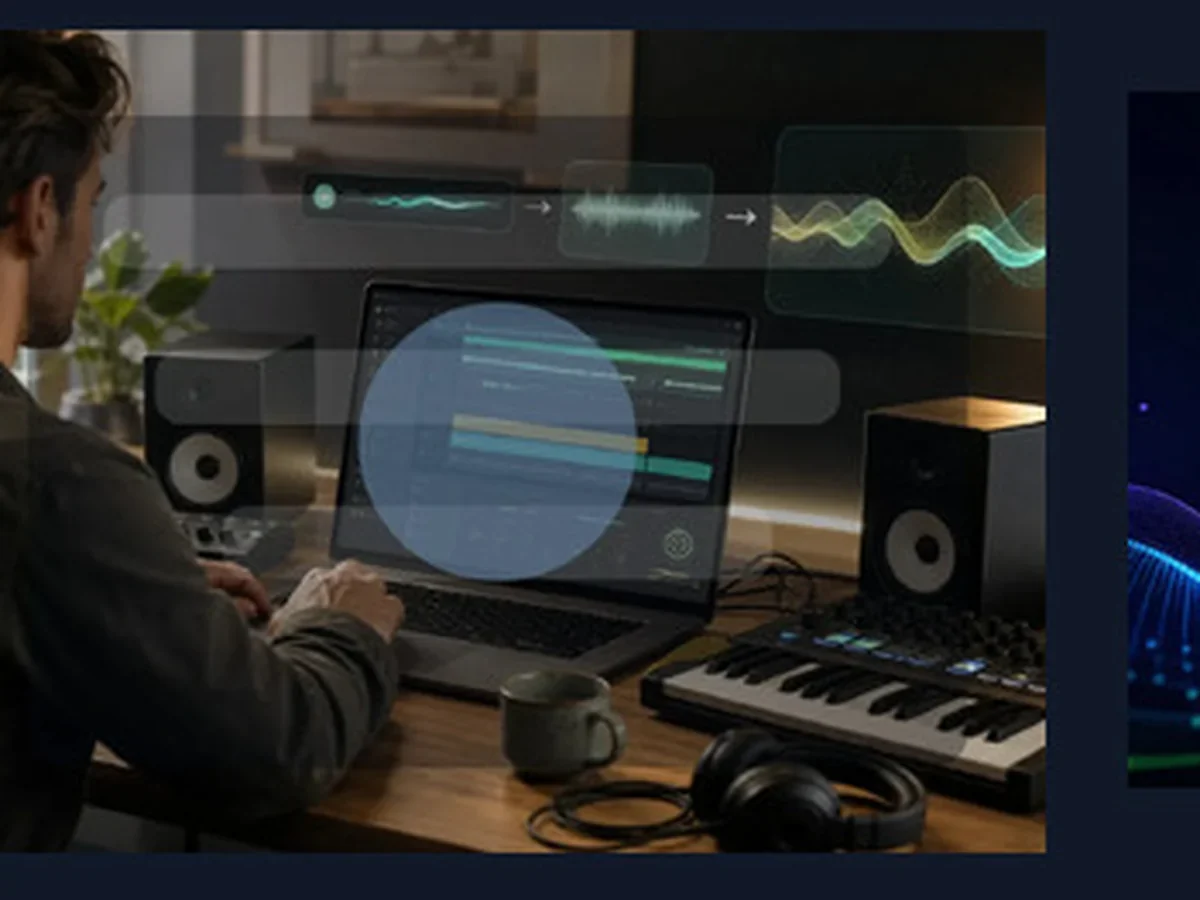
Create a new original track from a concise creative brief, then review it when the task is complete.
Create new starting points for songs, arrangements, edits, and release assets without switching between unrelated workflows.
Turn a concise creative direction into a new track, then use it as a reference for production work.
Create original music directions for social clips, channel content, product videos, and event films.
Create music for episodes, demos, campaigns, and branded experiences from a clear brief.
Clear inputs
The interface focuses on the prompt, upload, or settings that matter for this specific music job.
Track generation
A submitted brief creates a tracked task, reports progress, and makes the completed track available to play or download.
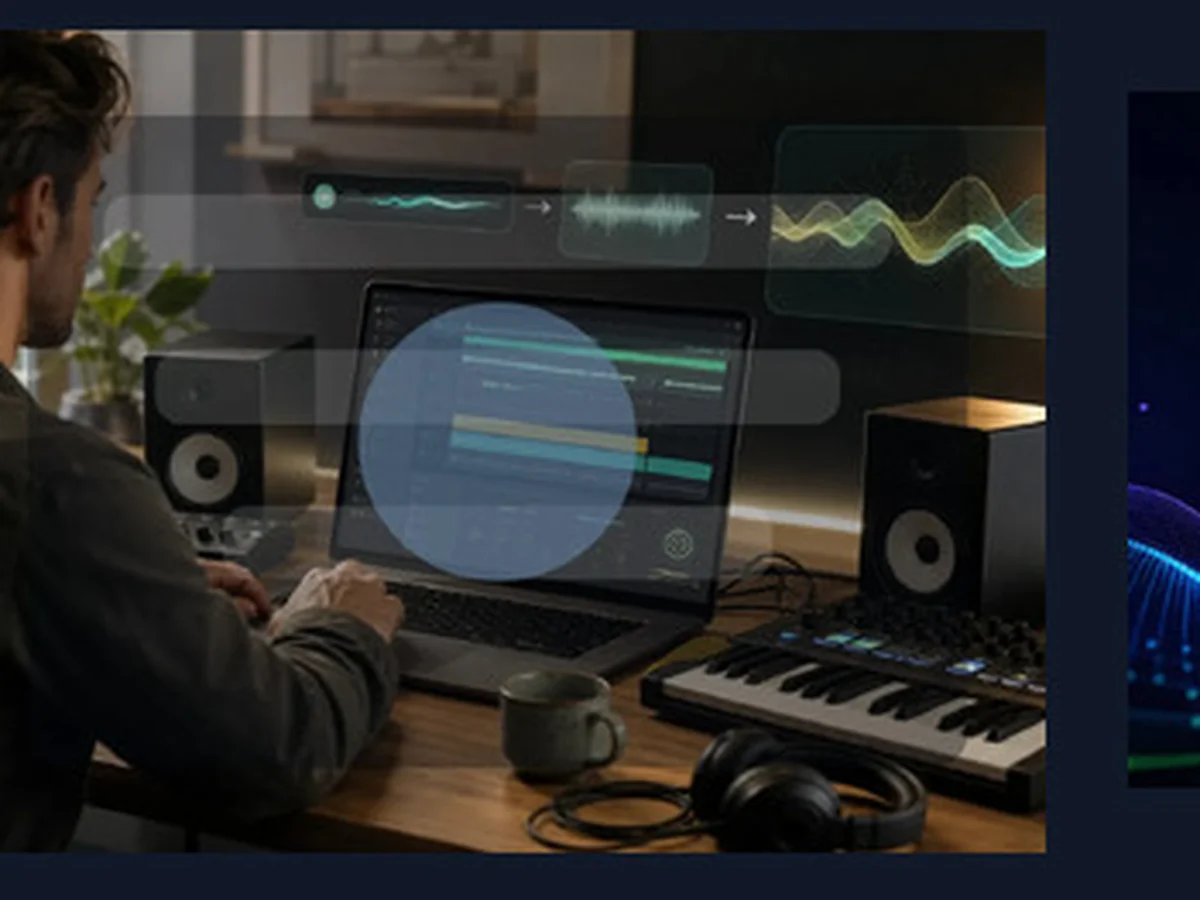
Enter the musical direction you want, including the emotion, instruments, structure, and any vocal guidance.
Choose the mood, BPM, duration, and vocal treatment, then submit the generation task.
Follow the task status until the audio is ready, then play or download the completed track.

Turn a focused music brief into a tracked generation task, then listen to or download the completed track.